01
Quick entries. Neatly sorted.
Add entries with your keyboard, split amounts across categories and organise them with your own categories and subcategories.
Your month. All clear.
Know what comes in. See what’s left. Your budget book for Windows – with budgets, bank imports and a clearer view of your finances.
One-time purchase · No subscription · No app account
 Monatsklar

Made for everyday life
From your first coffee to your next big savings goal. Bring order to your numbers without complicating your day.
Add entries with your keyboard, split amounts across categories and organise them with your own categories and subcategories.
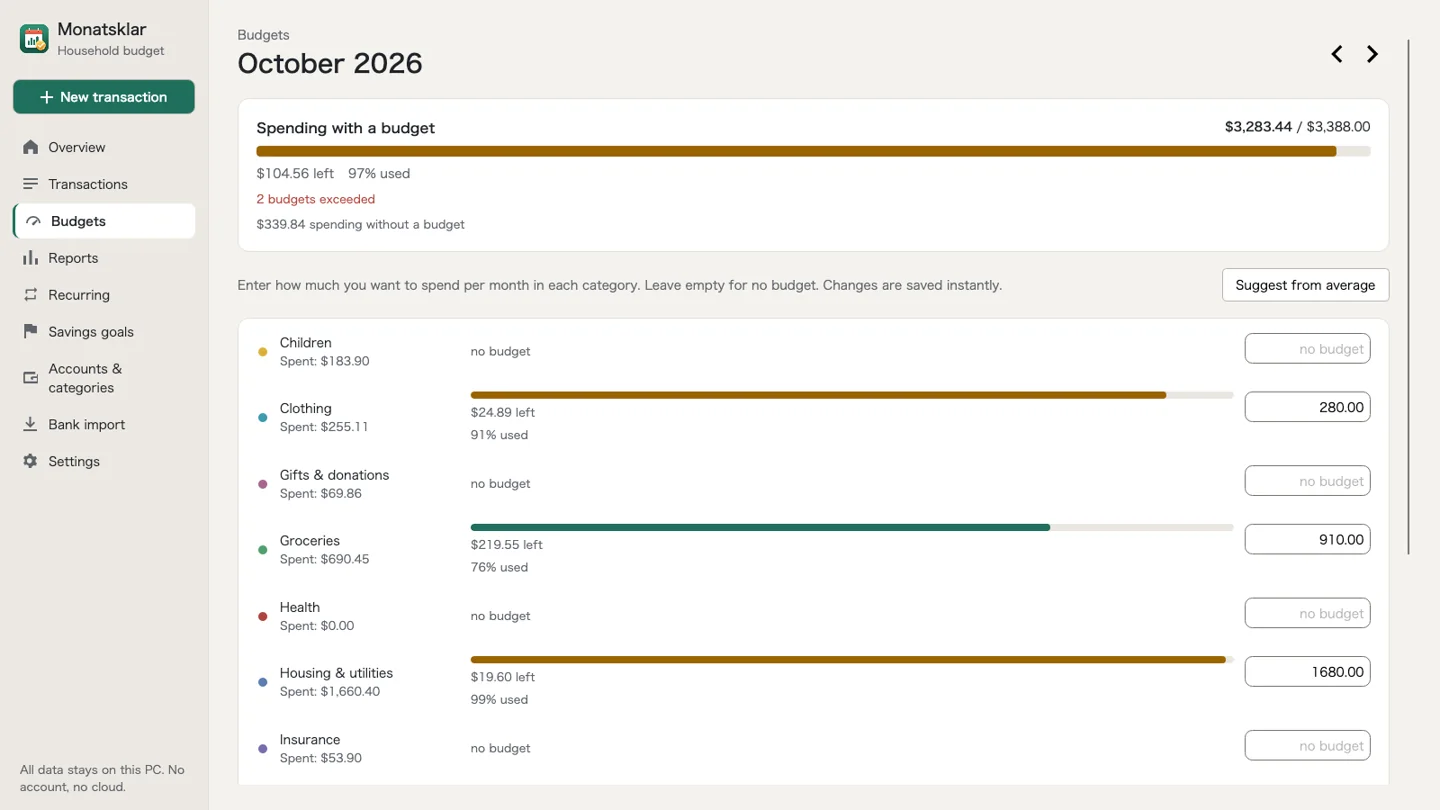
Monthly budgets show what’s left. Recurring entries and savings goals help you keep an eye on what’s next.
Current accounts, cash, savings and credit cards. Choose one currency for your book; transfers stay separate from expenses.
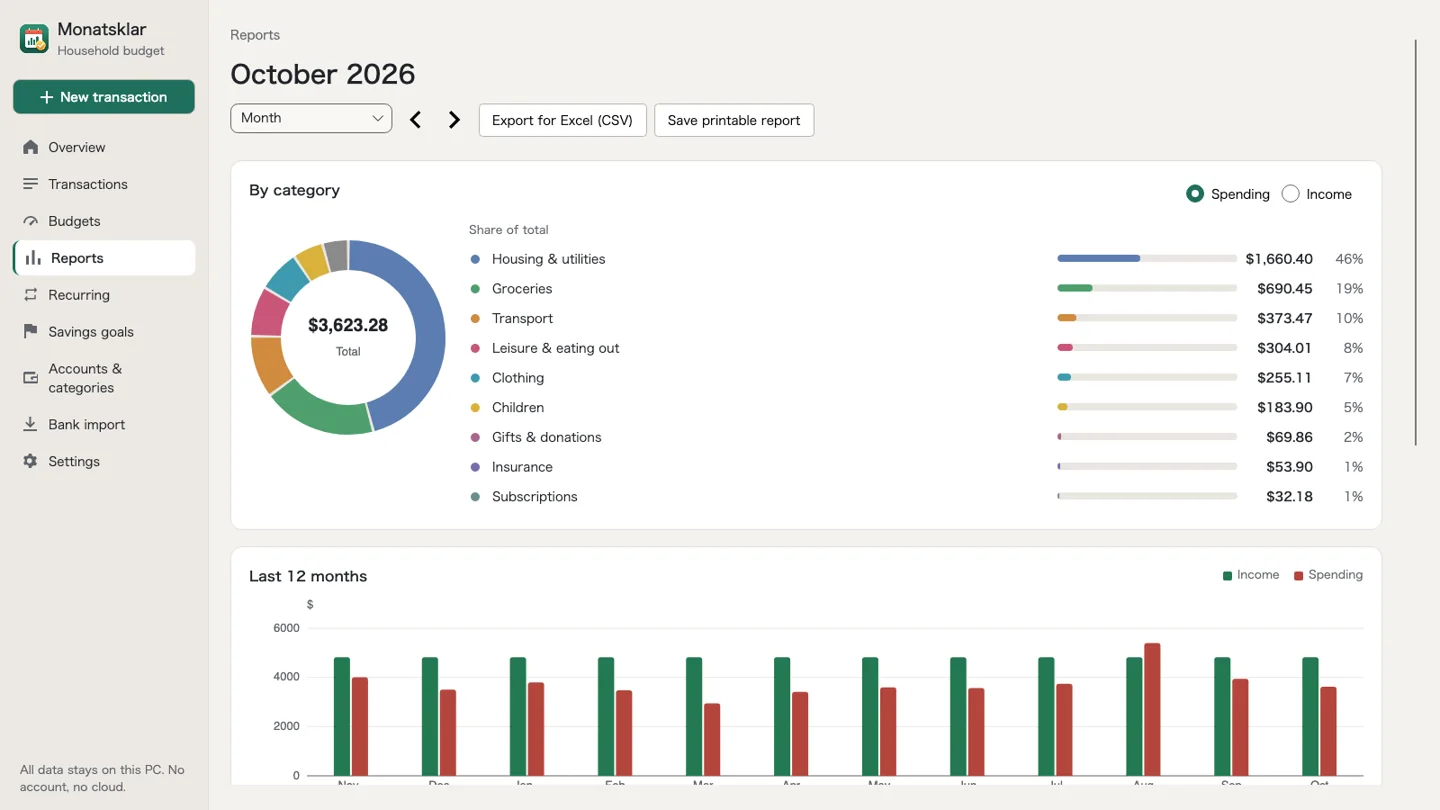
Understand categories, monthly trends and your savings rate. Export CSV files or save the printable report as a PDF.
Meet Monatsklar
A calm workspace that focuses on what matters: your month.
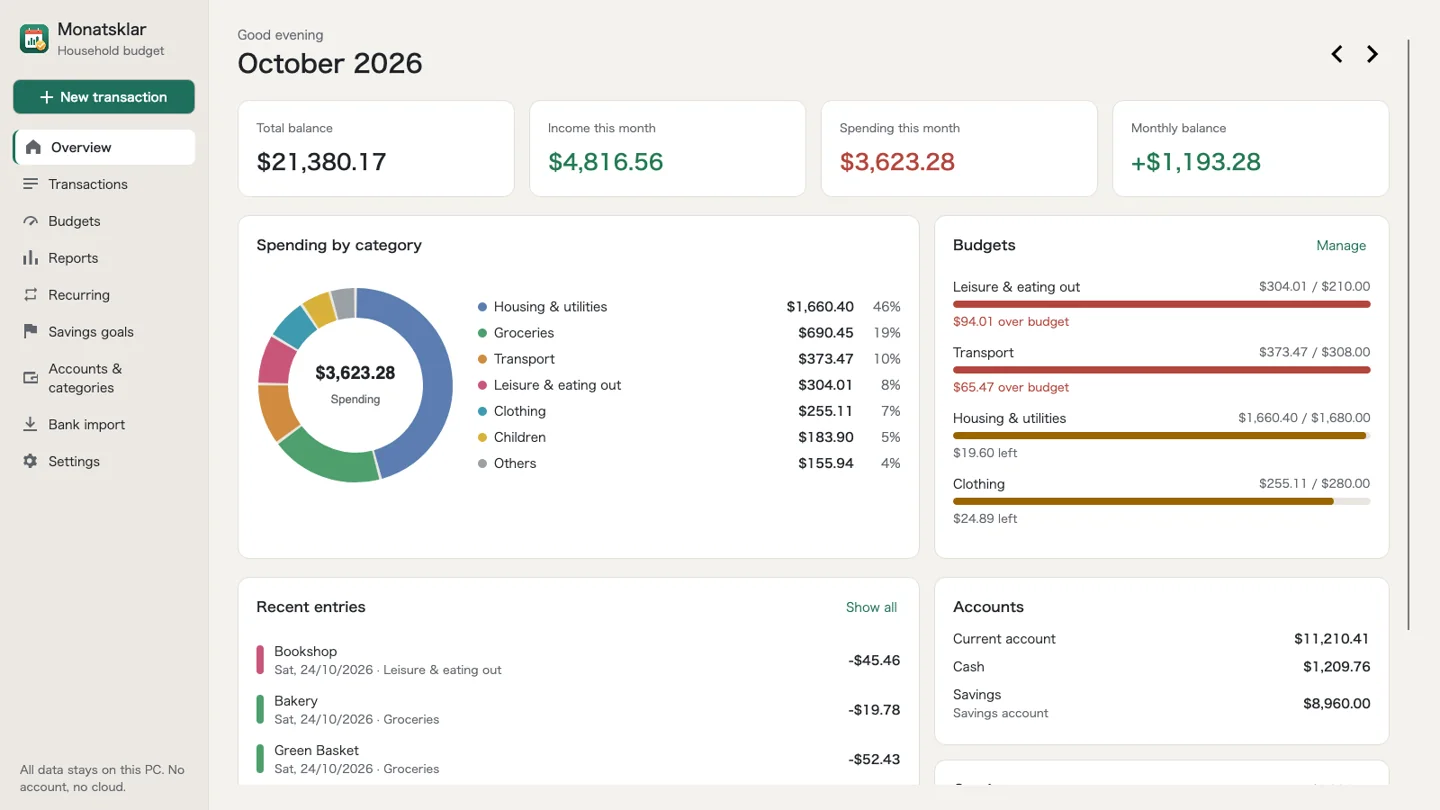
Light or dark? The app follows Windows – or your preference.
Your bank. Your import.
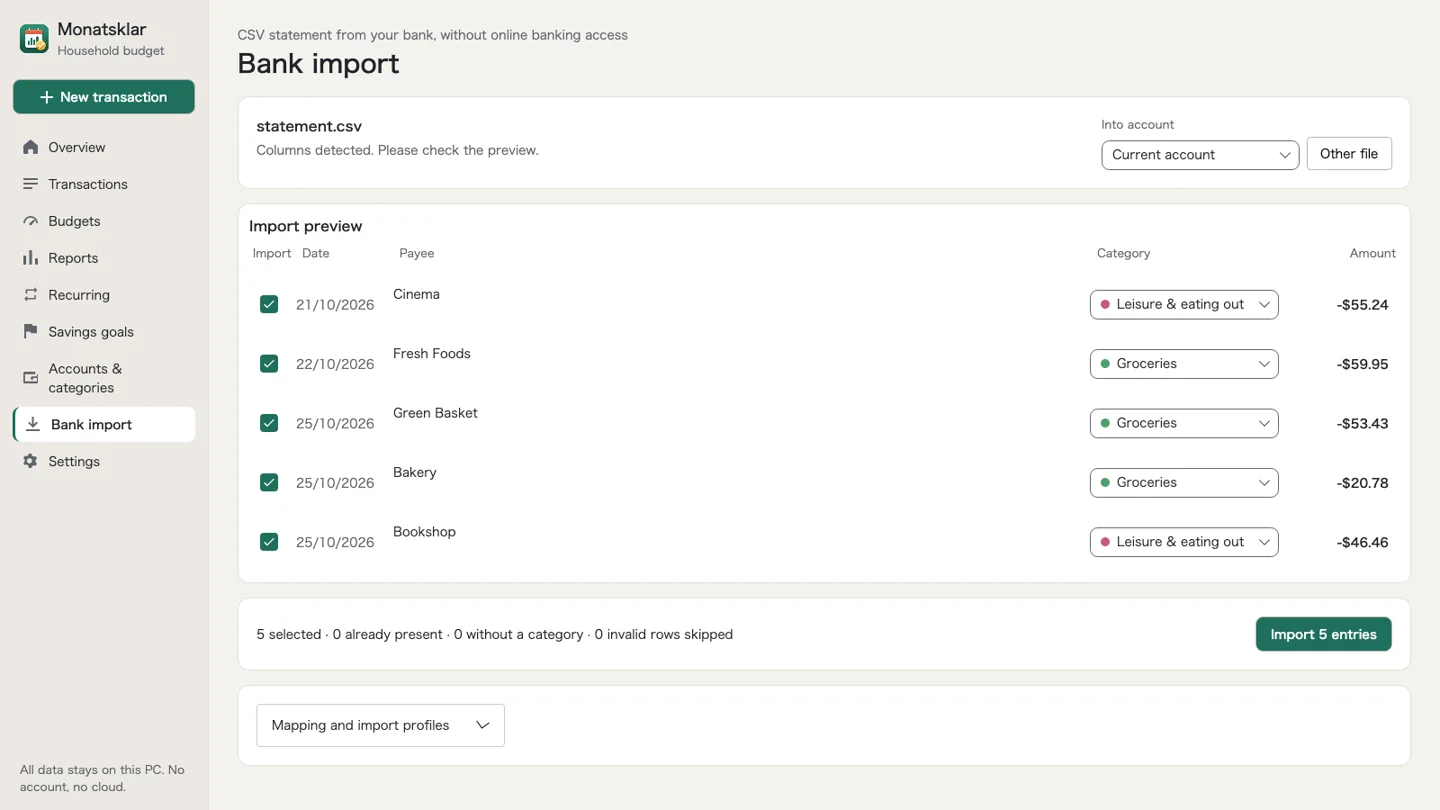
Export your transactions as CSV and import them locally. No bank login or direct bank connection. Save your column mappings as an import profile for next time.
How importing worksVerified CSV variants
Use manual column mapping and import profiles for other formats. Some files may need preparation.
Detection applies to specific export variants: Chase checking/credit card, Bank of America checking, Capital One credit card. Regional and new formats may differ. Always check the preview, dates, signs and currency. No currency conversion.
Private stays private
Your file stays on your PC. No cloud, advertising or telemetry. Set a password to enable optional AES-256 encryption. Automatic and manual backups help you keep your data.
More about privacyA clear choice
All features included. No subscription, in-app purchases or app account. Find the current price in the Microsoft Store.

For Windows 10 (1809) and later
German · English · French · Italian · Spanish · Dutch · Polish · Portuguese · Japanese · Swedish
Good to know
Where your data lives, how backups work and what you need on Windows.
Read moreWhat the price includes, what Monatsklar is not, and who it suits.
Read moreThe verified bank formats, general export tips and common pitfalls.
Read moreThe app works offline without an app account. Buying and installing through the Microsoft Store needs internet access and may require a Microsoft account.
No. Export transactions from your bank as CSV, then import the file into Monatsklar. Your bank login is never needed.
Yes. Export entries as CSV, print reports or save them as PDF, and back up your book file. CSV exports are not encrypted.
Choose one currency per book. All accounts and entries in that book use the same currency. There is no automatic currency conversion.