Bei der Grundreihe startenStart on the home row
17 Lektionen je Layout führen zu Buchstaben, Zahlen, Großschreibung und Satzzeichen.17 lessons per layout lead through letters, numbers, capitals and punctuation.
 Tenfingo
WINDOWS · QWERTZ / QWERTY
Ab 6 Jahren · 14,99 € einmalig · Offline · Ohne WerbungAges 6+ · €14.99 one-time · Offline · No ads
Lerne sicherer tippen, Taste für Taste. Mit einem ruhigen Kurs, klaren Fingerfarben und Fortschritten, die auf deinem Gerät bleiben.Build confidence, one key at a time. With calm, guided lessons, clear finger colours and progress that stays on your device.
Benachrichtige michNotify meErscheint bald im Microsoft StoreComing soon to the Microsoft Store
TASTE FÜR TASTEKEY BY KEY
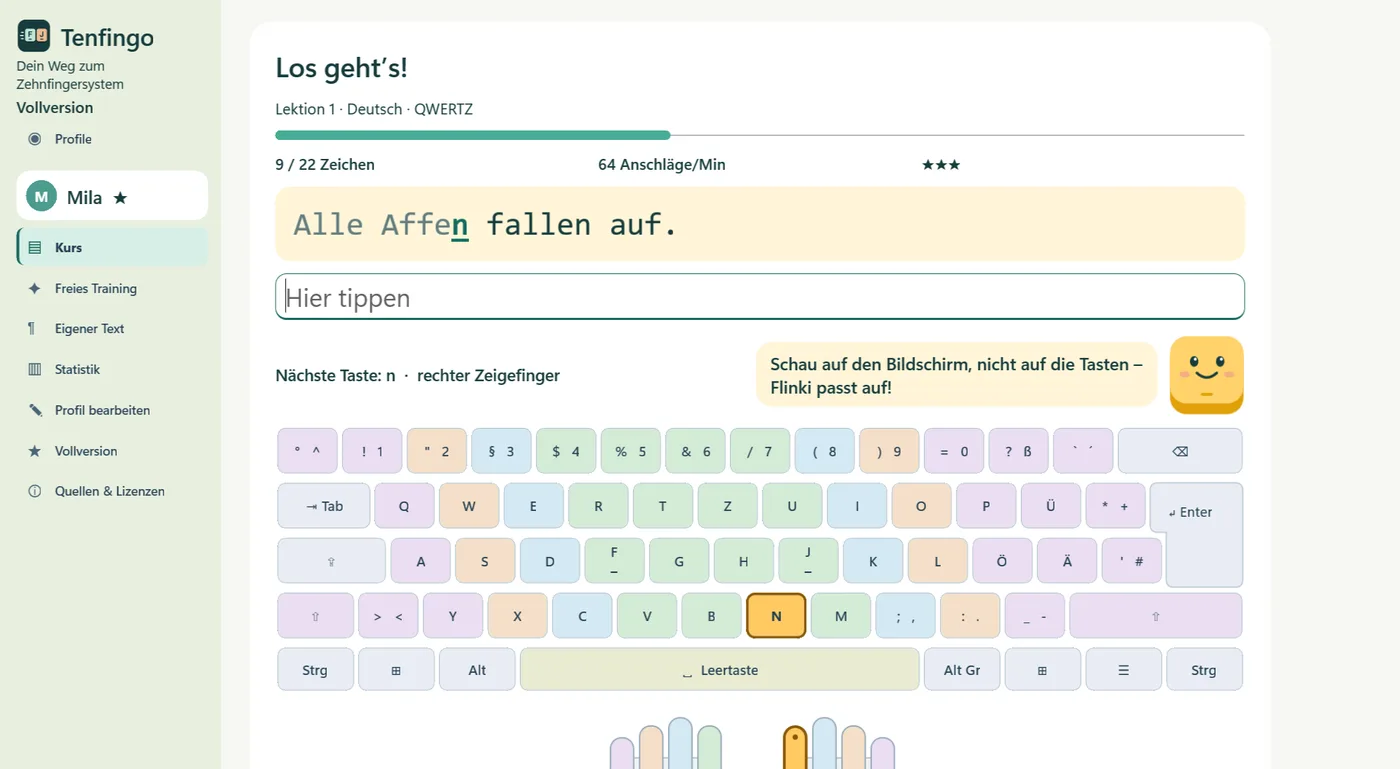
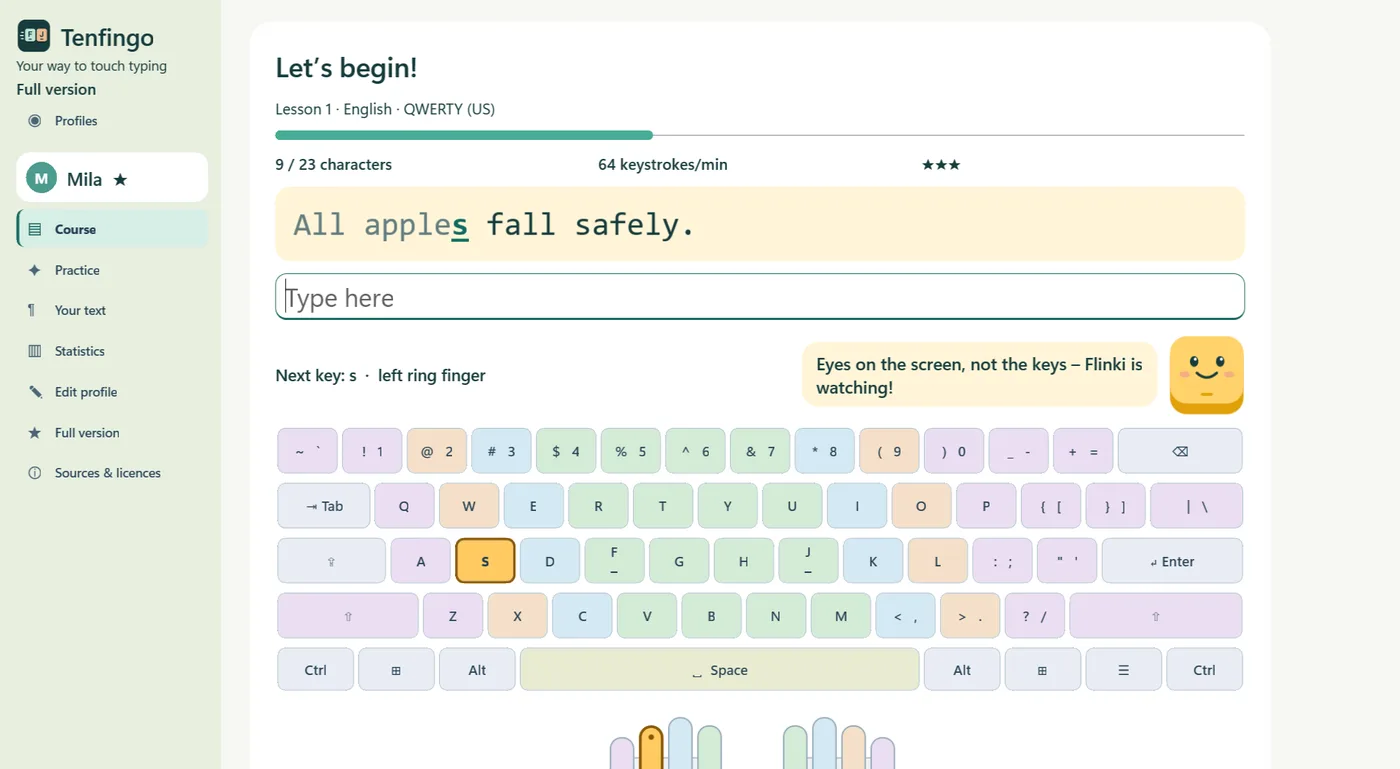
Die nächste Taste ist sichtbar. Die Fingerfarben helfen bei der Orientierung. Du übst nur mit Zeichen, die im Kurs schon eingeführt wurden.See the next key. Use the finger colours to find your way. Each lesson uses only characters introduced so far.
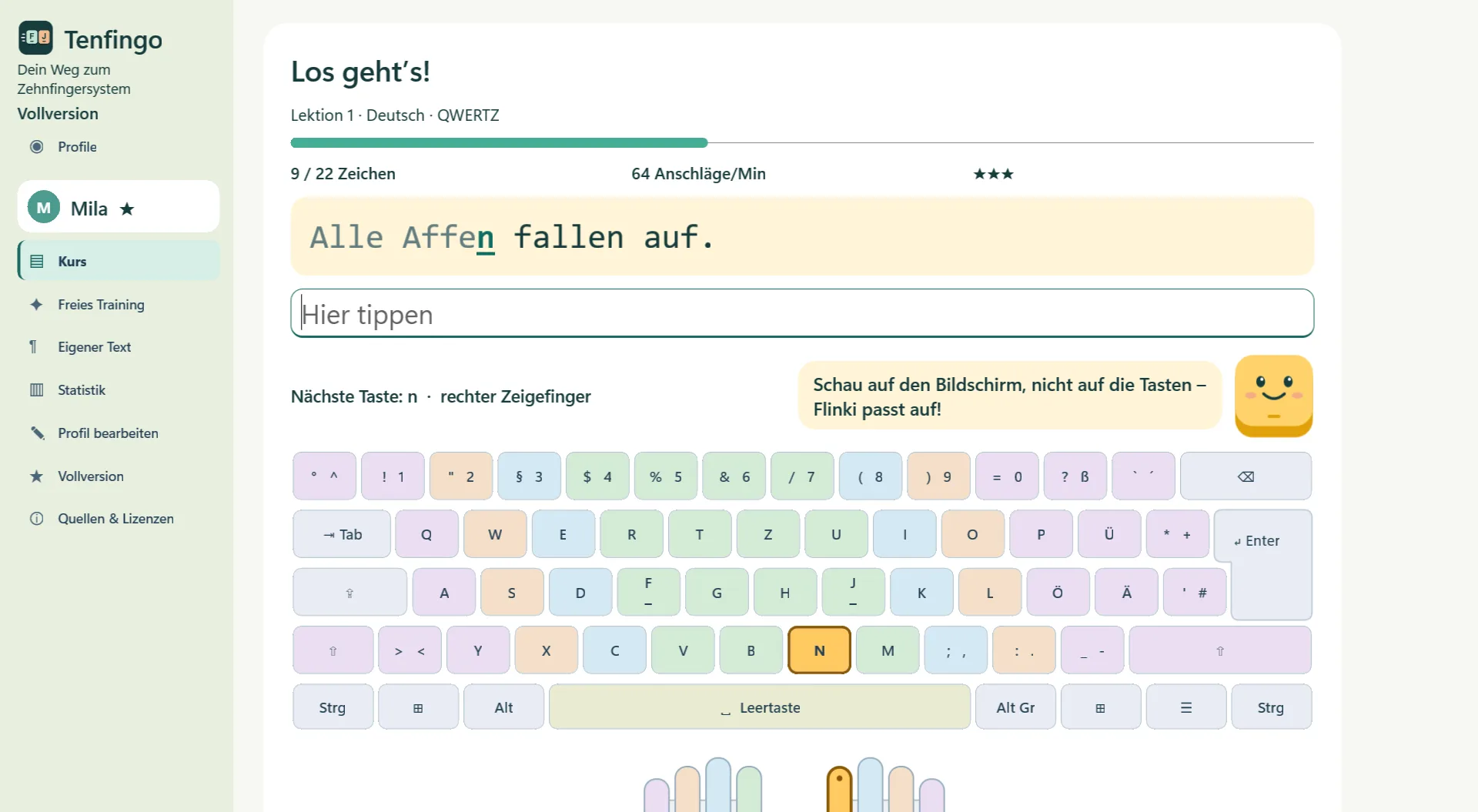
17 Lektionen je Layout führen zu Buchstaben, Zahlen, Großschreibung und Satzzeichen.17 lessons per layout lead through letters, numbers, capitals and punctuation.
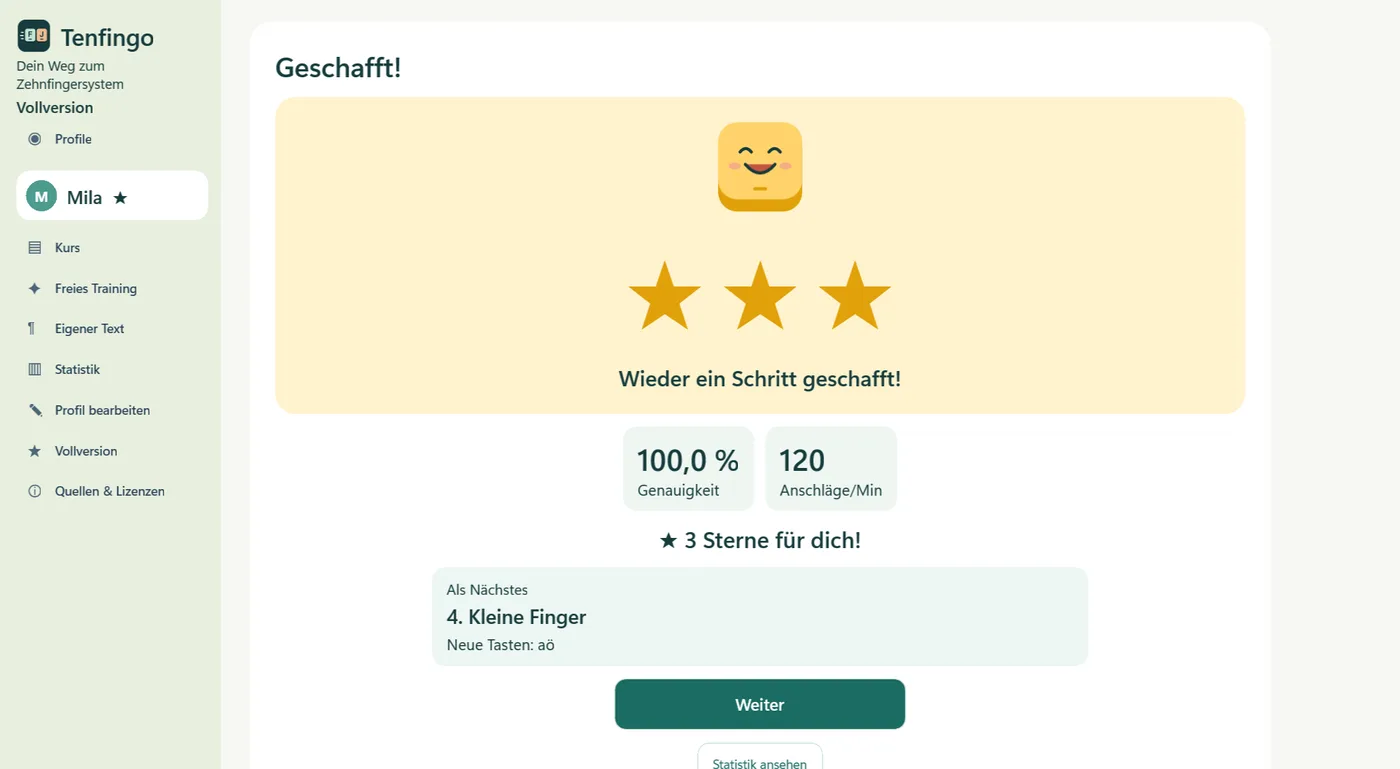
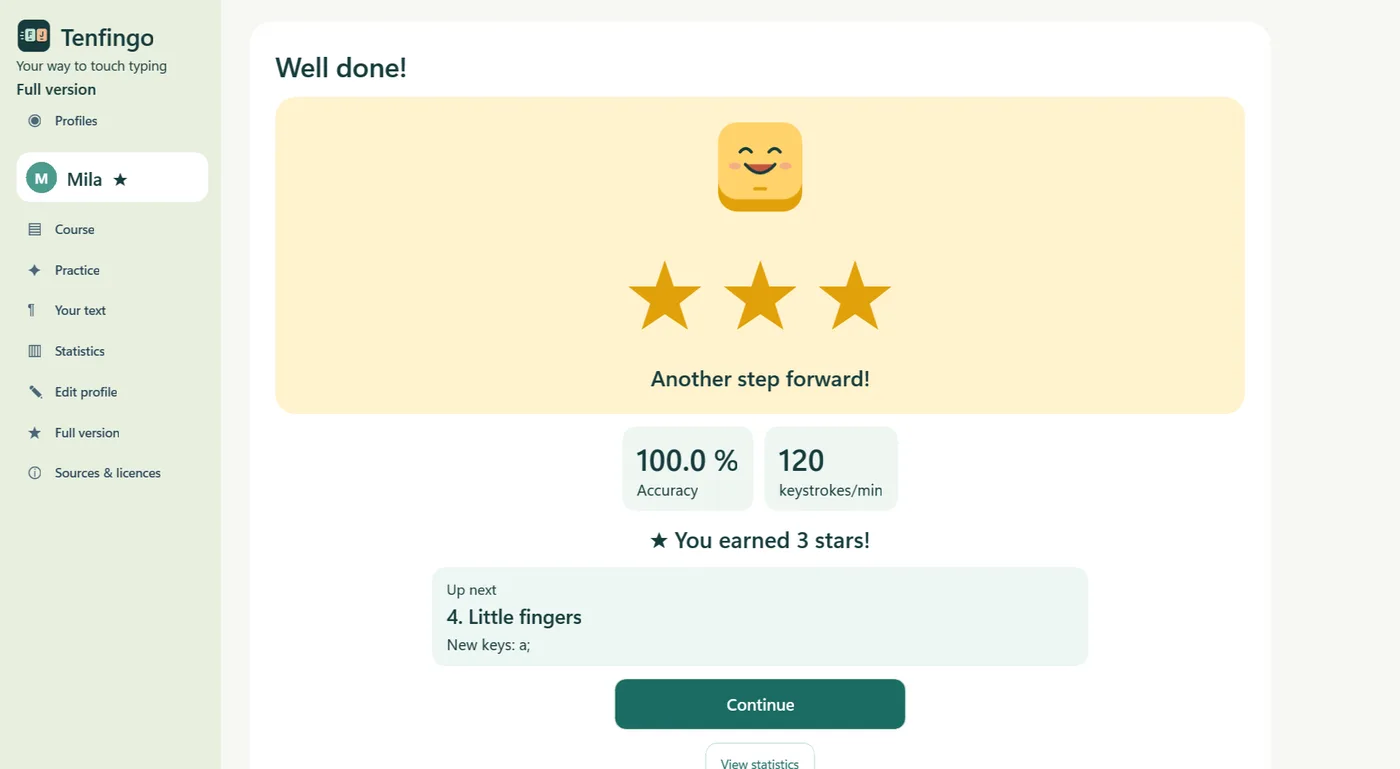
Ab 92 % Genauigkeit öffnet sich die nächste Lektion. Wiederhole eine Übung, so oft du magst.Reach 92% accuracy to unlock the next lesson. Repeat an exercise as often as you like.
In der Vollversion richtet sich adaptives Training nach schwächeren Tasten und Buchstabenpaaren.In the full version, adaptive practice focuses on weaker keys and letter pairs.
PLATZ FÜR ALLEROOM FOR EVERYONE
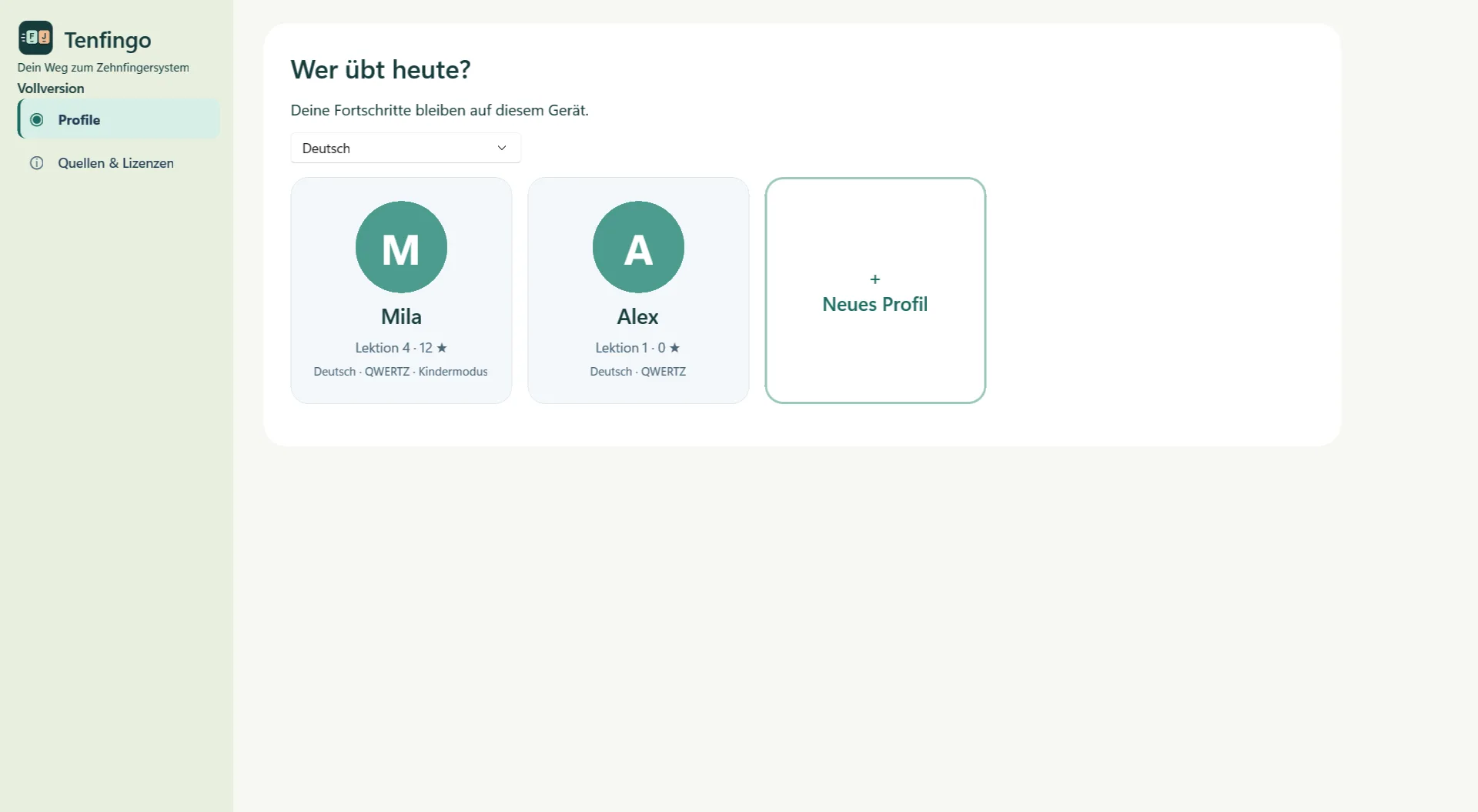
Kinder und Erwachsene haben ihren eigenen Lernstand, ihre Avatarfarbe und ihr Tastaturlayout. Beliebig viele Profile bleiben lokal auf dem PC.Children and adults keep their own progress, avatar colour and keyboard layout. Create as many local profiles as you need on your PC.
Der Kindermodus bietet größere Schrift, sanfte Hinweise, Sterne und eine kleinere, bewusst ausgewählte Wortliste. Ohne Rangliste und Übungs-Countdown.Child mode adds larger text, gentle hints, stars and a smaller, deliberately selected vocabulary. With no leaderboard or practice countdown.
Profile sind keine geschützten Benutzerkonten.Profiles are not protected user accounts.
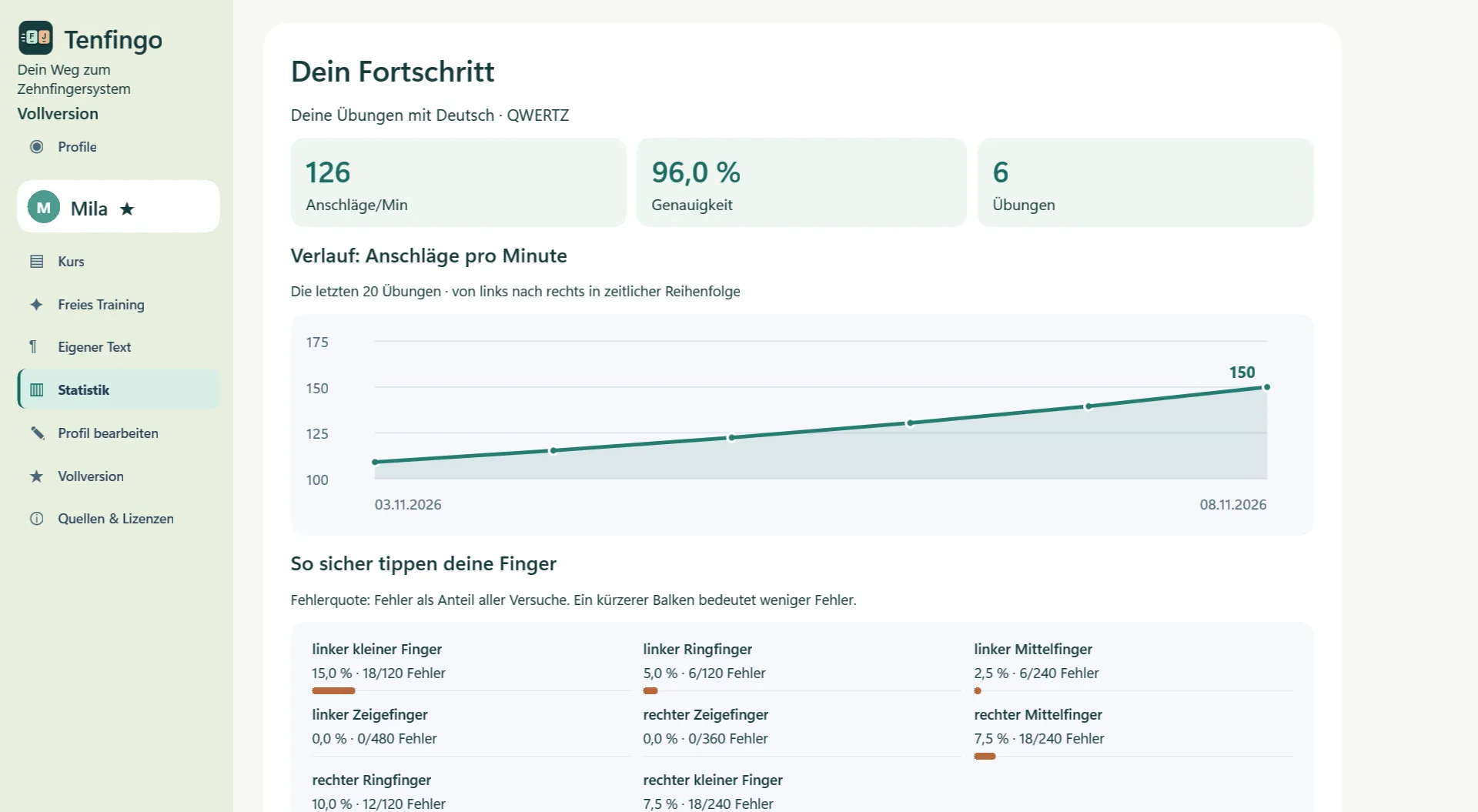
FORTSCHRITT WIRD SICHTBARSEE YOUR PROGRESS
Genauigkeit, Anschläge pro Minute und die Tastatur-Heatmap zeigen, was schon gut klappt und wo du weiterüben kannst.Accuracy, keystrokes per minute and the keyboard heatmap show what is going well and where you can keep practising.
Mit der Vollversion kannst du eigene Texte üben und einen PDF-Fortschrittsbericht für einen ausgewählten Zeitraum speichern.The full version lets you practise your own text and save a PDF progress report for a selected period.
FÜR ELTERNFOR PARENTS
ERST KENNENLERNENGET TO KNOW IT FIRST
Kostenlos starten. Einmalig erweitern.Start free. Unlock with one purchase.
Noch nicht im Microsoft Store verfügbar.Not yet available in Microsoft Store.
Lektionen 1–3 und Statistik kostenlos kennenlernen.Try lessons 1–3 and statistics for free.
14,99 € einmaligone-time
Für 14,99 € einmalig erhältst du den restlichen Kurs, adaptives Training, eigene Texte und PDF-Berichte. Kein Abo. Basispreis für Deutschland und Österreich; regionale Preise können abweichen. Maßgeblich ist der im Microsoft Store angezeigte Preis.A one-time purchase unlocks the rest of the course, adaptive practice, custom text and PDF reports. Base price: EUR 14.99 in Germany and Austria; regional prices may vary. No subscription. The price displayed in Microsoft Store applies.
| FunktionFeature | TestversionTrial | VollversionFull version |
|---|---|---|
| Lektionen 1–3Lessons 1–3 | JaYes | JaYes |
| Lektionen 4–17Lessons 4–17 | NeinNo | JaYes |
| StatistikStatistics | JaYes | JaYes |
| Adaptives TrainingAdaptive training | NeinNo | JaYes |
| Eigene TexteCustom texts | NeinNo | JaYes |
| PDF-BerichtPDF report | NeinNo | JaYes |
| PreisPrice | kostenlosfree | 14,99 € einmalig€14.99 one-time |
Kurs, Übungen und Fortschritte werden lokal verarbeitet. Die App hat keine Werbung, kein App-Konto und keine eigene Telemetrie. Lizenzprüfung und Kauf verwenden Microsoft-Dienste und können Internet benötigen.Lessons, practice and progress are processed locally. The app has no ads, app account or telemetry of its own. Licence checks and purchases use Microsoft services and may require internet access.
Die Oberfläche gibt es auf Deutsch und Englisch. Für die Übungen stehen Deutsch QWERTZ mit ä, ö, ü und ß sowie Englisch QWERTY (US) zur Wahl.The interface is available in German and English. Practise with German QWERTZ, including ä, ö, ü and ß, or English QWERTY (US).
Eigene Texte werden nicht als vollständiges Dokument im Profil abgelegt. Gespeicherte Tasten- und Buchstabenpaarstatistiken können Textteile erkennen lassen. Verwende keine vertraulichen Texte. Mehr steht im Datenschutz.Custom text is not saved in the profile as a complete document. Saved key and letter-pair statistics can reveal fragments. Avoid confidential text. Read more in the privacy statement.